
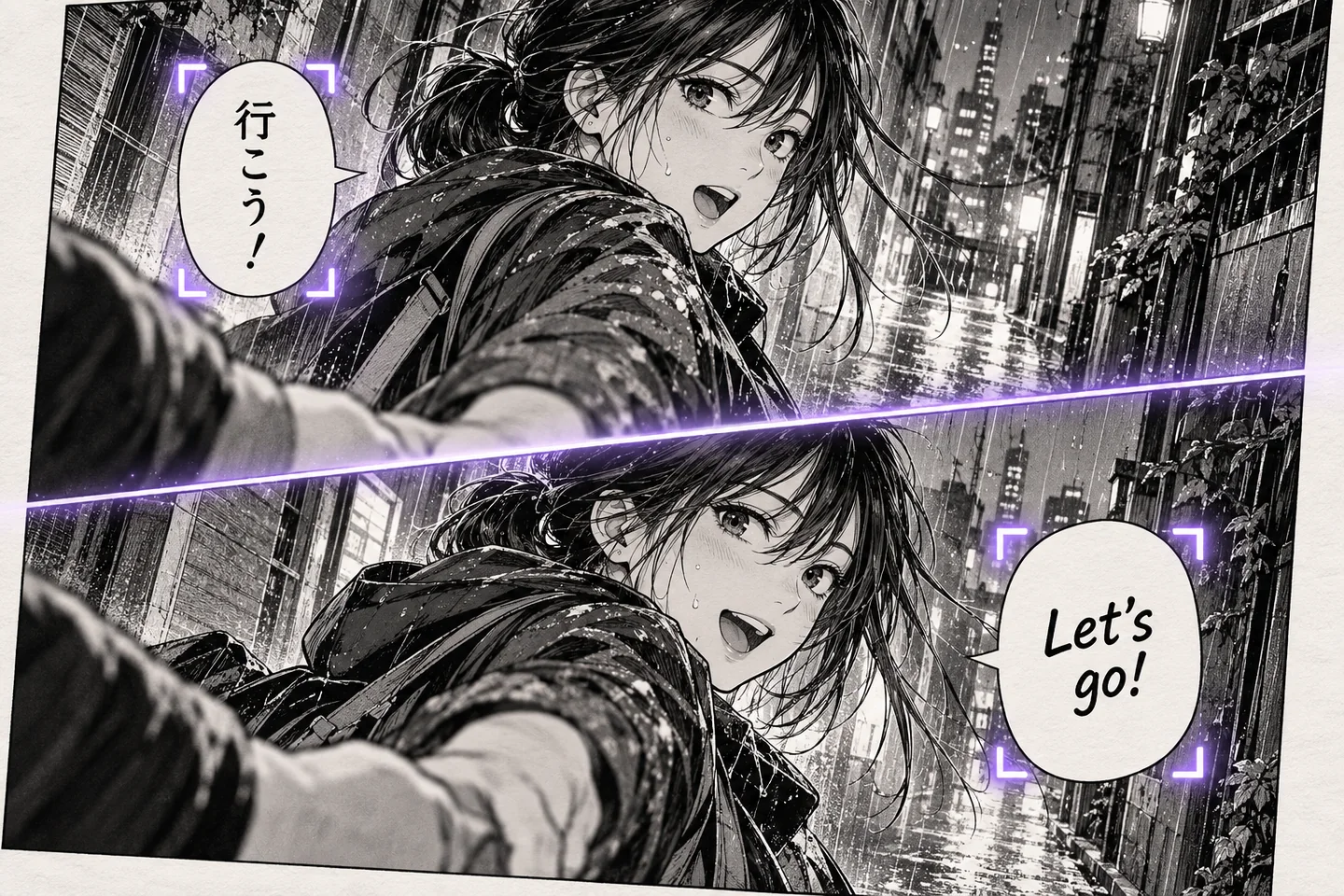
Translation mode
Use AI mode for more contextual translation
Switch from Fast mode to GPT, Gemini, Claude, or DeepSeek when dialogue needs more context, tone, and natural wording.
Explore the AI manga translator →Translate Japanese, Korean, and Chinese manga images online. Upload one page or a batch, compare the translated results, and download them.
Sign in for 3 free image translations every day.
or choose one or more manga pages from your device
Multiple JPG, PNG, or WebP images · up to 4 MB eachChoose Manga or Comic as the content type, then Fast or AI as the translation mode. Every option belongs to the same product and workflow.
Switch from Fast mode to GPT, Gemini, Claude, or DeepSeek when dialogue needs more context, tone, and natural wording.
Explore the AI manga translator →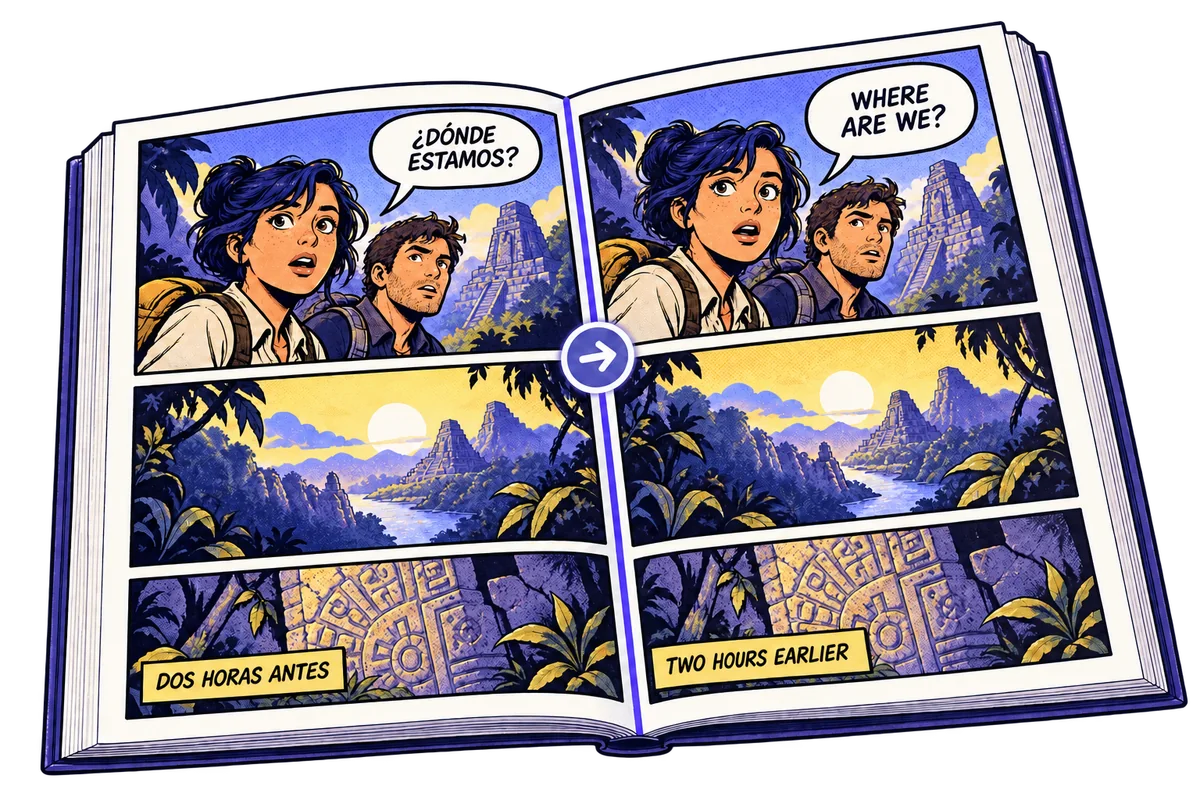
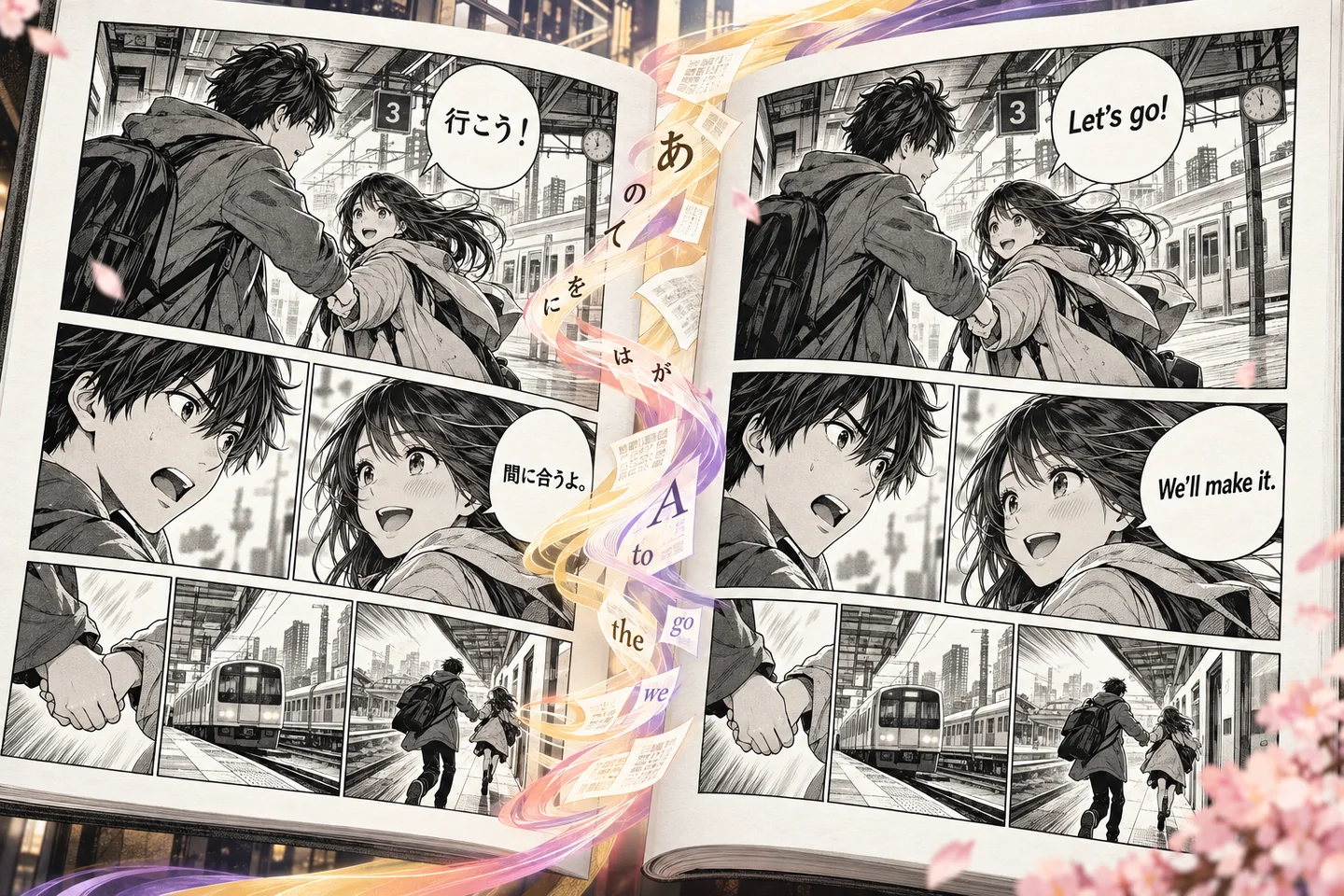
Use Manga mode for Japanese-style pages, or switch to Comic mode for comic books, graphic novels, webcomics, and screenshots.
Explore the comic translator →The translator combines image text recognition, language translation, and a translated image result in one browser-based workflow.
Upload one or several manga pages, panels, scans, or screenshots. The service detects text regions and returns the recognized source text with the result.
Use automatic source detection or select Japanese, Korean, Simplified Chinese, Traditional Chinese, English, and other available languages.
Compare the original and translated images, check names and line breaks, review the extracted text, and download the finished image or ZIP batch.
Select multiple JPG, PNG, or WebP images in one batch. Each image can be up to 4 MB and 4096 pixels per side. Multi-page results download as a ZIP; PDF, archive, and long-strip files are not accepted directly.
Translate one page or several in order. Compare each result with its original, then download a single image or the batch as a ZIP.
Choose one or several JPG, PNG, or WebP pages, panels, scans, or screenshots.
Use automatic source detection or select the source language.
Review each page, then download one image or the full batch as a ZIP.
Sign in, translate one image per credit, and move to a monthly plan only when you need more pages.
Use it for manga pages, panels, scans, or screenshots saved as supported images. Upload one or several files; a multi-page batch is packaged as a ZIP for download.
Upload one or several manga pages, choose the source and target languages, select Translate, then compare the results and download an image or ZIP.
You can upload JPG, PNG, and WebP images up to 4 MB. Image sides must be between 30 and 4096 pixels, with an aspect ratio within 3:1.
Yes. Choose Japanese as the source language, or leave source detection on Auto, then select English as the target language.
Yes. Signed-in users receive 3 free image translations every day. Each completed image translation uses 1 credit, and monthly plans are available for higher usage.
The translator includes Japanese, Korean, Simplified Chinese, Traditional Chinese, English, Spanish, French, Portuguese, Thai, Vietnamese, Indonesian, and other listed languages. You can also leave source detection on Auto.
Yes. It returns a translated image for comparison and download, along with the recognized source text and translated text for review.
You can select multiple JPG, PNG, or WebP chapter pages in one batch. PDF and archive files are not accepted directly, so export their pages as supported images first.
Yes. Review names, tone, OCR mistakes, line breaks, small text, and sound effects before publishing or sharing a machine-translated page.