
Comic books
Translate dialogue balloons, narration boxes, and captions on Western-style comic pages.
Manga TranslatorComic mode
Comic Translator is the comic content mode inside Manga Translator, built for comic books, graphic novels, BD, and webcomics. Upload one page or a batch, compare each result, then download an image or ZIP.
One page or a batch · JPG, PNG or WebP · up to 4 MB each
or choose one or more comic pages from your device
Multiple JPG, PNG, or WebP images · up to 4 MB eachAcross comic traditions
“Comic” can mean a superhero issue in the US, a BD album in France, or a webcomic in Korea. The translator starts with the page image, so each of these can use the same upload, review, and download flow.
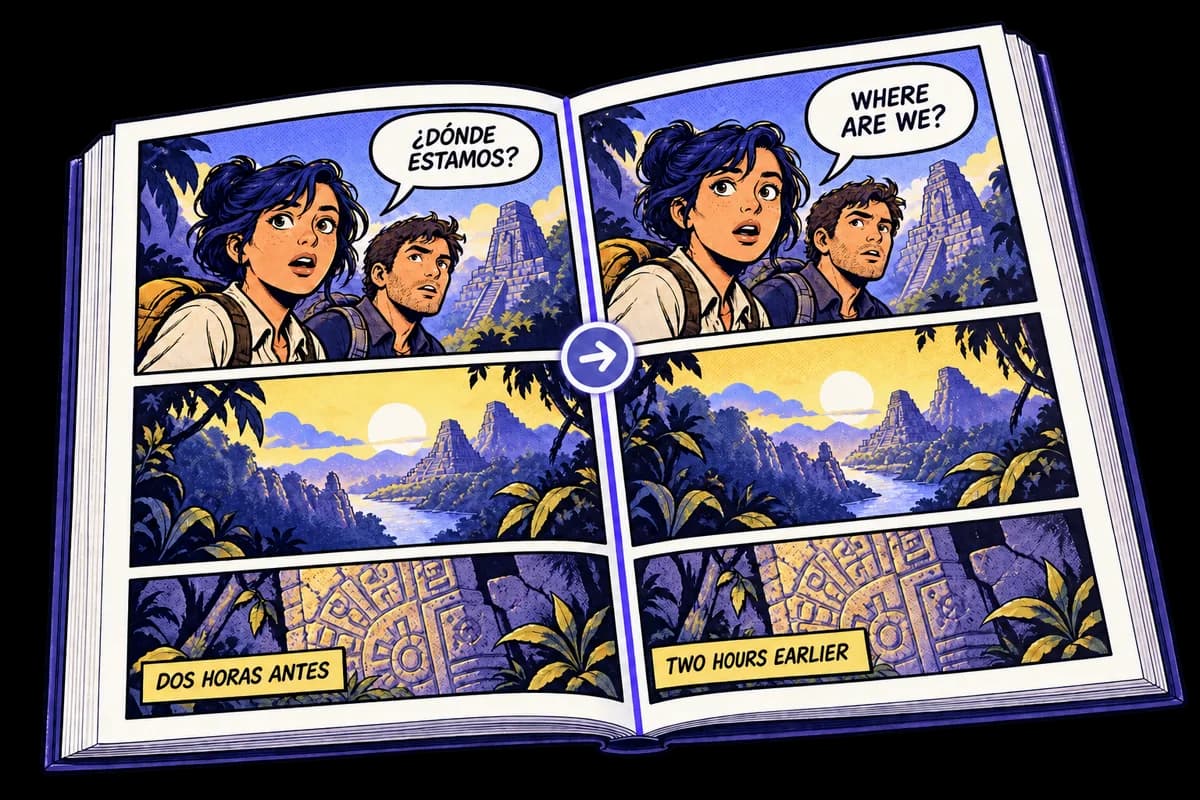
Translate dialogue balloons, narration boxes, and captions on Western-style comic pages.
Work with illustrated stories, album pages, and scanned panels while keeping the artwork visible.
Use a downloaded page or screenshot from a digital comic. Long strips can be translated one section at a time.
The same image workflow also supports Asian comic pages with different reading directions and lettering styles.
Current input: one or several JPG, PNG, or WebP comic images, up to 4 MB each. For Japanese-focused terminology and examples, visit the Manga Translator.
Image-to-image workflow
Comic dialogue belongs to panels, characters, and scenes. Keep the source page beside the result while you review the translation.
Choose a scan, exported comic page, or screenshot in a supported image format.
Process speech bubbles, captions, and narration as part of the page image.
Review the original and translated versions before saving the finished image.
Comic translator FAQ
Supported comic types, batch limits, credits, and download options.
Upload one or several comic images, choose or automatically detect the source language, select a target language, and start the translation. Compare each result before downloading an image or ZIP.
Yes. You can upload pages from comic books, graphic novels, BD, and webcomics. Results depend on image clarity, lettering, text size, and the amount of dialogue visible on the page.
Yes. The translator accepts those comic pages through the same image workflow. The Manga Translator page provides guidance focused specifically on Japanese and Asian comics.
Signed-in users receive 3 free image translations every day. A completed image translation uses 1 credit, and monthly plans provide additional credits.
The translator accepts one or several JPG, PNG, or WebP images per batch. Each image can be up to 4 MB and 4096 pixels per side, with an aspect ratio within 3:1.
You can select multiple chapter-page images in one batch. PDF, CBR, CBZ, and long vertical-strip files are not accepted directly, so export their pages as JPG, PNG, or WebP images first.